
Capture product insights on autopilot

Use Template

By Nalvin

Use Template

Description

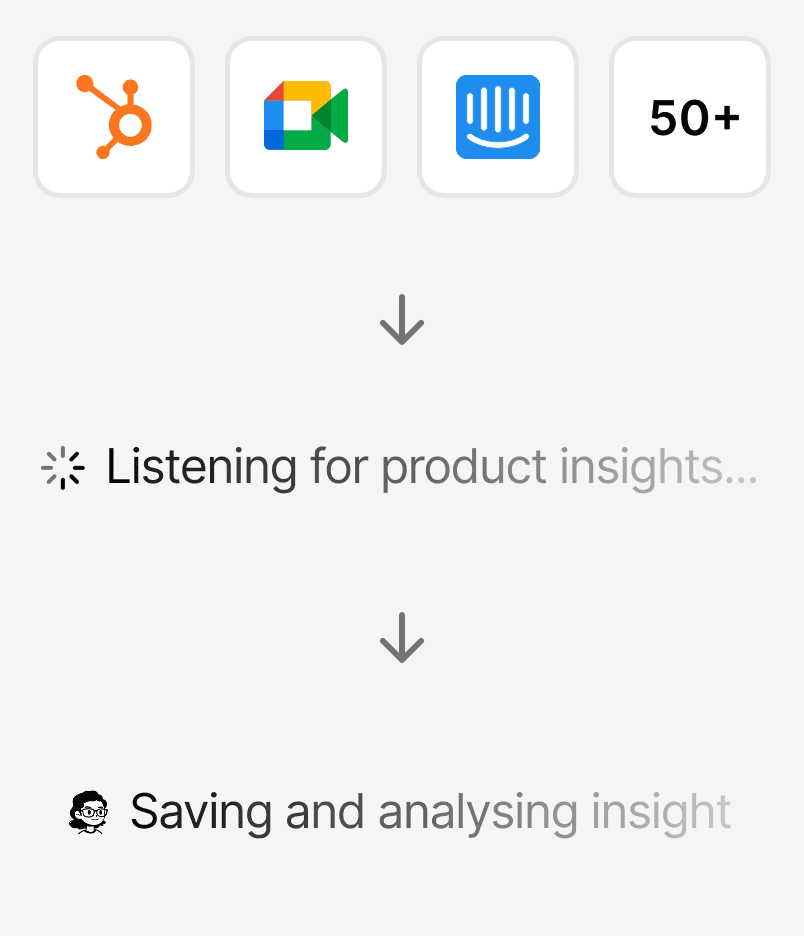
Nalvin connects to your customer communication tools, identifies product insights in raw conversations, and automatically analyzes and tags them. Insights stay structured and accessible across all Nalvin Agents and in Slack or Teams, without manual work.

Supported Integrations

Templates are flexible by default. Nalvin automatically picks the right integrations based on what you’ve connected.

How to best use this template

Below are a few tips & tricks from the Nalvin team to get the most out of this template.

Connect the tools where real customer context lives

This template is only as good as the conversations it sees. Prioritize support chats, sales calls, Slack channels with customers, and feedback inboxes where people speak freely. The richer and messier the input, the better the insights Nalvin can surface.

Let insights accumulate before judging signal quality

Don’t expect perfect insights on day one. As Nalvin observes more conversations, patterns get clearer and tagging improves. Give it a bit of time to build context before using the insights for prioritization or reporting.

Improve insight quality by adding light tagging rules

You can level this up by adding simple guidance like key product areas, known pain points, or strategic themes. Even minimal structure helps the agent tag insights more accurately and makes later analysis far more useful.

Use Nalvin Agents as your entry point, not the raw data

The real value is being able to ask questions like “What are customers struggling with this week?” directly in Slack or Teams. Treat the agent as your interface and avoid going back to the raw conversations unless you need deep context.

Combine this with monitoring or summary templates

This template shines when paired with weekly summaries, risk alerts, or discovery workflows. Once insights are continuously captured, you can automate surfacing trends, regressions, or opportunities without extra setup.

Connect the tools where real customer context lives

This template is only as good as the conversations it sees. Prioritize support chats, sales calls, Slack channels with customers, and feedback inboxes where people speak freely. The richer and messier the input, the better the insights Nalvin can surface.

Let insights accumulate before judging signal quality

Don’t expect perfect insights on day one. As Nalvin observes more conversations, patterns get clearer and tagging improves. Give it a bit of time to build context before using the insights for prioritization or reporting.

Improve insight quality by adding light tagging rules

You can level this up by adding simple guidance like key product areas, known pain points, or strategic themes. Even minimal structure helps the agent tag insights more accurately and makes later analysis far more useful.

Use Nalvin Agents as your entry point, not the raw data

The real value is being able to ask questions like “What are customers struggling with this week?” directly in Slack or Teams. Treat the agent as your interface and avoid going back to the raw conversations unless you need deep context.

Combine this with monitoring or summary templates

This template shines when paired with weekly summaries, risk alerts, or discovery workflows. Once insights are continuously captured, you can automate surfacing trends, regressions, or opportunities without extra setup.