Pricing

Nalvin works best when used by all functions in a company.

That's why we don't do seat based pricing.

Nalvin works best when used by all functions in a company.

That's why we don't do seat based pricing.

Curious

Free

Includes:

40 Tasks / Month

Only Insights on Demand

Basic Models

Pro

$20 / mo.

Includes:

200 Tasks / Month

Premium Models

Product Analytics

Built for solo users

Team

$100 / mo.

Everything in Solo PM, plus:

1500 Tasks / Month

Background Agents (Schedule, Trigger, Proactive)

Capture Insights on Autopilot

Shared Context, Memory and Agents

Slack Connect for Support

Built for Multiplayer

Business

Custom

Built for companies to become AI native in weeks:

Custom Integrations & Agents

Agents for Customer Success, Sales, Support and Marketing

Full Stack Implementation

Training & Continuous Enablement

Advanced Integrations: Files, Salesforce, Teams, Google Big Query etc.

Custom Integrations & Agents

Dedicated Slack Connect with CSM

Free Workshop

45 minutes initial consultation to see how you can best leverage AI and Agents

See open timeslots
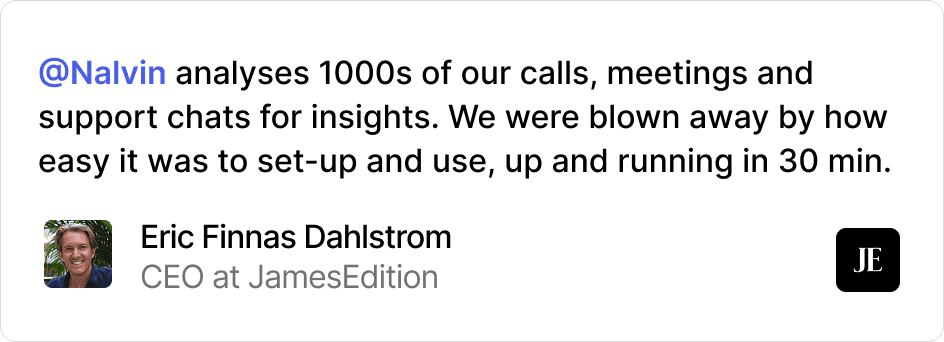
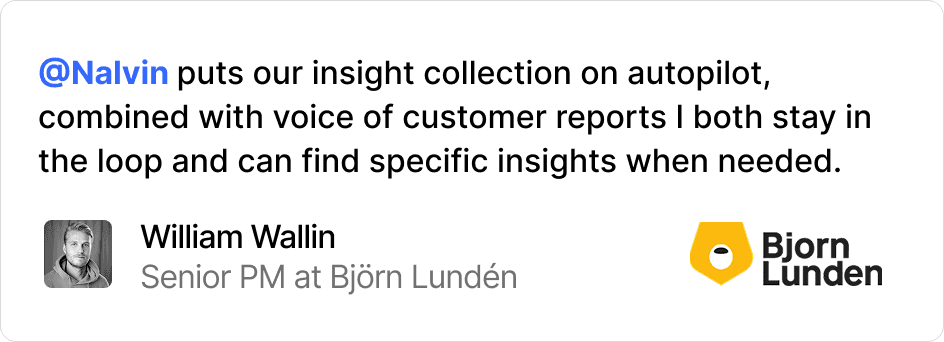
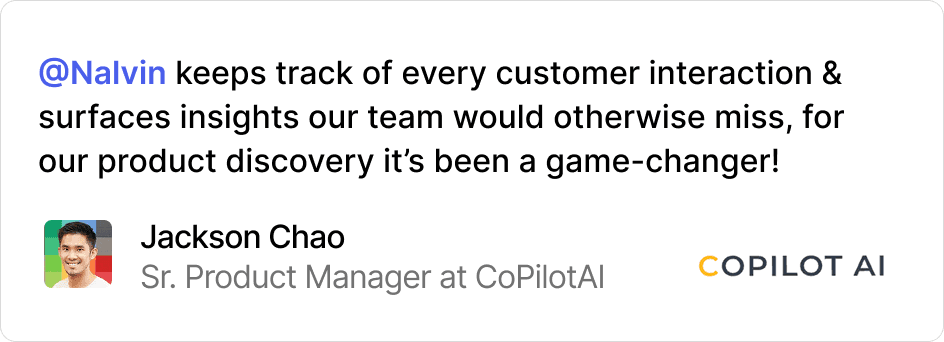
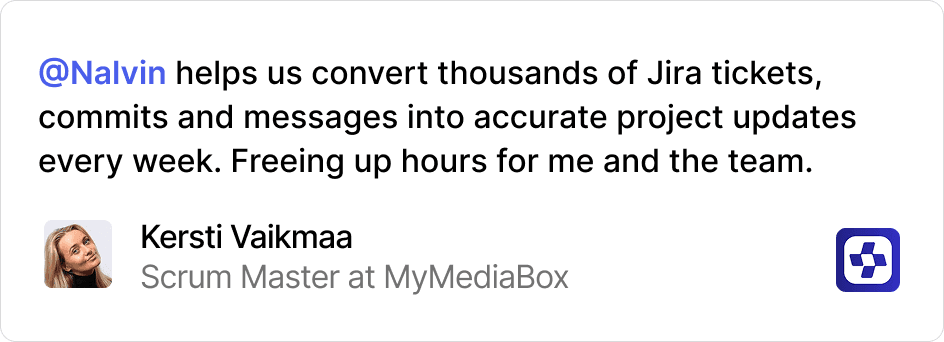
Nalvin is trusted by product leaders of today and tomorrow

Nalvin is trusted by product leaders of today and tomorrow

Questions & Answers

What is defined as a task?

A task is a meaningful unit of work Nalvin completes for you. Examples: Summarizing a sprint Turning feedback into structured insights Generating release notes Monitoring usage drops and reporting changes Creating a prototype Background agents running continuously count toward your monthly task limit as they execute work.

What plan should I choose?

Curious (Free) is best if you want to try Nalvin on your own and explore what’s possible. You get limited tasks and one background agent to test real workflows. Pro is for solo PMs or builders who use Nalvin daily. You get more tasks, more background agents, premium models, and product analytics. Team is for product teams that want shared context, memory, and agents working in parallel across your tool stack and context. If you're rolling this out across multiple teams or need custom integrations, the Business plan is the right fit.

What happens if I hit my task limit?

You’ll get notified before you reach your limit. We also do not cut you of in the middle of a longer workflow, we include a free buffer so you can finish your work. You can: Upgrade to a higher plan Wait for your monthly usage to reset We do not automatically overcharge you without notice.

How does team sharing work?

On the Team and Business plans, agents, memory, and context are shared. That means: Nalvin understands your backlog, feedback, and conversations across users. Everthing Nalvin does counts towards improving its understanding of your product and business. Agents can reuse context across each other. Insights are not siloed to one person This is where Nalvin becomes a true team member, not just a personal assistant.

How does Nalvin use our data?

Your data is used only to provide and improve Nalvin’s functionality for your workspace. We do not train public models on your data Your workspace context is isolated Enterprise plans include additional controls and integrations If you have security requirements, the Business plan includes custom setups.

What is defined as a task?

A task is a meaningful unit of work Nalvin completes for you. Examples: Summarizing a sprint Turning feedback into structured insights Generating release notes Monitoring usage drops and reporting changes Creating a prototype Background agents running continuously count toward your monthly task limit as they execute work.

What plan should I choose?

Curious (Free) is best if you want to try Nalvin on your own and explore what’s possible. You get limited tasks and one background agent to test real workflows. Pro is for solo PMs or builders who use Nalvin daily. You get more tasks, more background agents, premium models, and product analytics. Team is for product teams that want shared context, memory, and agents working in parallel across your tool stack and context. If you're rolling this out across multiple teams or need custom integrations, the Business plan is the right fit.

What happens if I hit my task limit?

You’ll get notified before you reach your limit. We also do not cut you of in the middle of a longer workflow, we include a free buffer so you can finish your work. You can: Upgrade to a higher plan Wait for your monthly usage to reset We do not automatically overcharge you without notice.

How does team sharing work?

On the Team and Business plans, agents, memory, and context are shared. That means: Nalvin understands your backlog, feedback, and conversations across users. Everthing Nalvin does counts towards improving its understanding of your product and business. Agents can reuse context across each other. Insights are not siloed to one person This is where Nalvin becomes a true team member, not just a personal assistant.

How does Nalvin use our data?

Your data is used only to provide and improve Nalvin’s functionality for your workspace. We do not train public models on your data Your workspace context is isolated Enterprise plans include additional controls and integrations If you have security requirements, the Business plan includes custom setups.