
Competitor Research

Use Template

By Nalvin

Use Template

Description

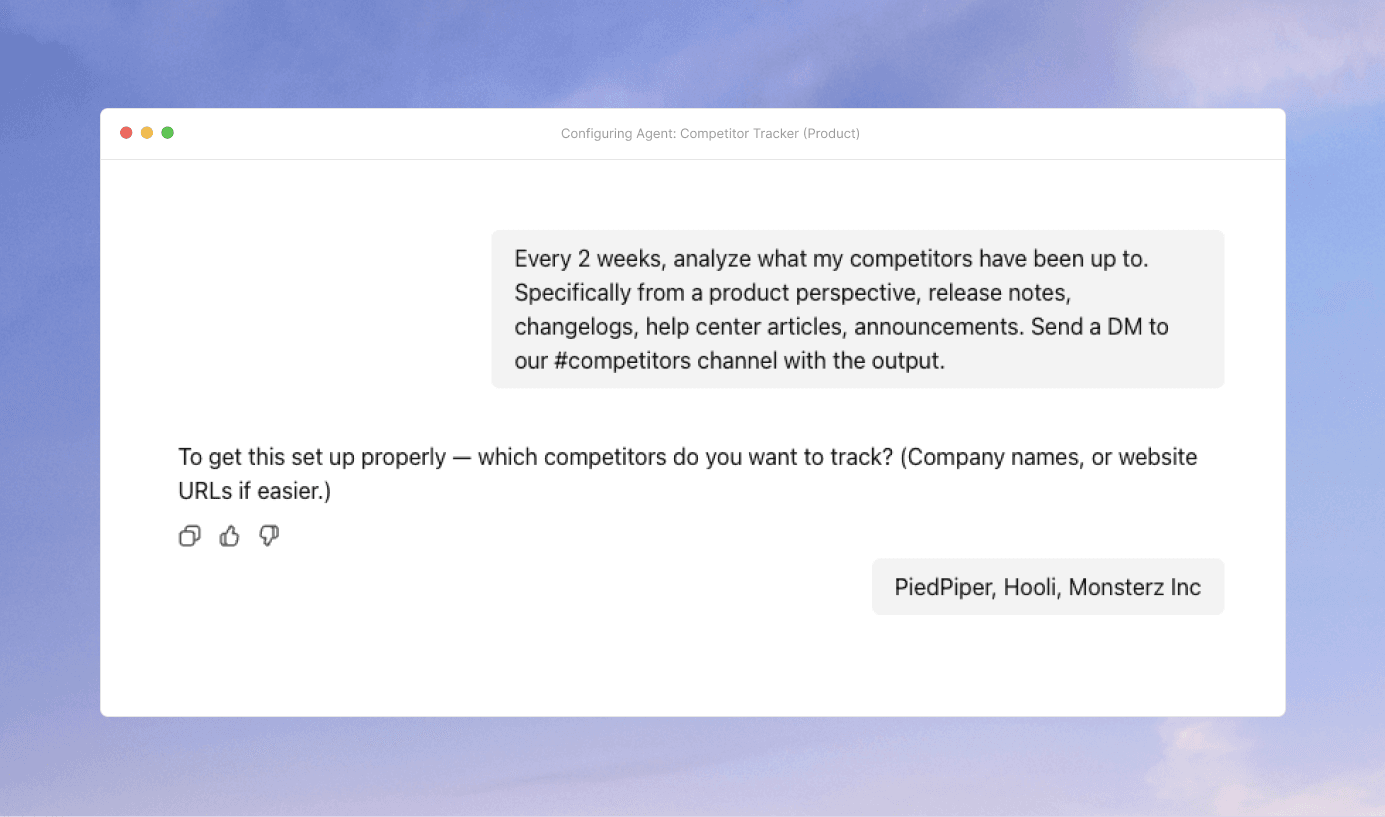
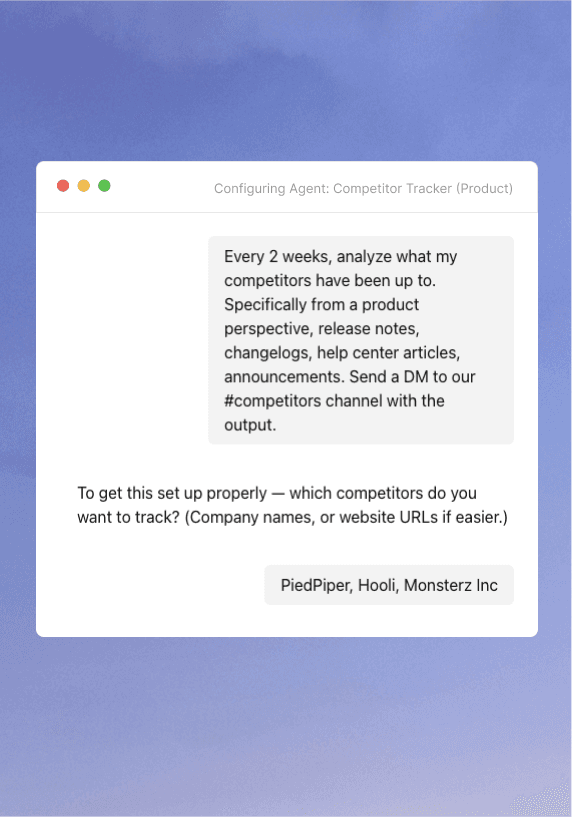
Nalvin monitors competitor websites, release notes, changelogs, blogs, and public updates using web and scraping tools. It detects meaningful product changes, analyzes what changed, tags updates by theme or product area, and keeps competitor insights continuously accessible through Nalvin Agents and the Slack or Teams bots.

Supported Integrations

Templates are flexible by default. Nalvin automatically picks the right integrations based on what you’ve connected.

How to best use this template

Below are a few tips & tricks from the Nalvin team to get the most out of this template.

Focus on a small, high-signal competitor set

Start with 3–5 competitors that actually influence your roadmap or sales conversations. Too many sources quickly turns this into noise, while a tight list keeps insights relevant and actionable.

Tell Nalvin what “meaningful change” looks like

You can level this up by defining what matters to you: new features, pricing changes, positioning shifts, integrations, or UX updates. This helps the agent ignore cosmetic updates and focus on real product signals.

Tag competitor updates by product area, not competitor name

Insights become far more useful when they’re grouped by themes like onboarding, analytics, enterprise features, or pricing, instead of just “Competitor X did Y.” This makes comparison and strategy discussions much easier.

Use a schedule to run this agent recurringly

The raw updates are helpful, but the real value comes from weekly or monthly summaries. Use Nalvin to surface trends like “increased focus on AI” or “more enterprise controls” without reading every individual change.

Use the agent to answer questions in the moment

Once this is running, you can ask things like “Have any competitors shipped analytics improvements recently?” directly in Slack or Teams. This is especially powerful for sales prep, roadmap reviews, or leadership questions.

Focus on a small, high-signal competitor set

Start with 3–5 competitors that actually influence your roadmap or sales conversations. Too many sources quickly turns this into noise, while a tight list keeps insights relevant and actionable.

Tell Nalvin what “meaningful change” looks like

You can level this up by defining what matters to you: new features, pricing changes, positioning shifts, integrations, or UX updates. This helps the agent ignore cosmetic updates and focus on real product signals.

Tag competitor updates by product area, not competitor name

Insights become far more useful when they’re grouped by themes like onboarding, analytics, enterprise features, or pricing, instead of just “Competitor X did Y.” This makes comparison and strategy discussions much easier.

Use a schedule to run this agent recurringly

The raw updates are helpful, but the real value comes from weekly or monthly summaries. Use Nalvin to surface trends like “increased focus on AI” or “more enterprise controls” without reading every individual change.

Use the agent to answer questions in the moment

Once this is running, you can ask things like “Have any competitors shipped analytics improvements recently?” directly in Slack or Teams. This is especially powerful for sales prep, roadmap reviews, or leadership questions.