
Planning

Keep your backlog clean and reviewable

Use Template

By Nalvin

Use Template

Description

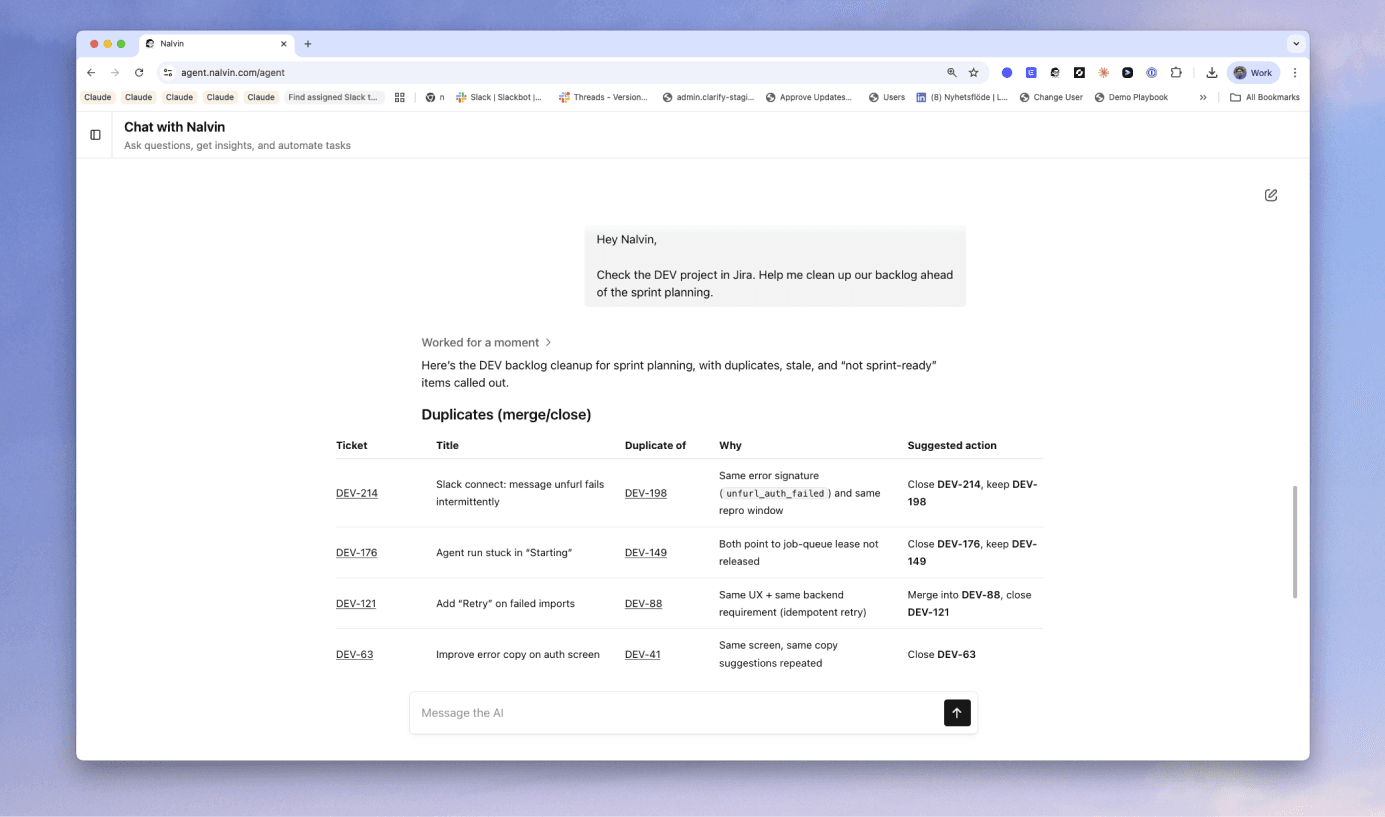
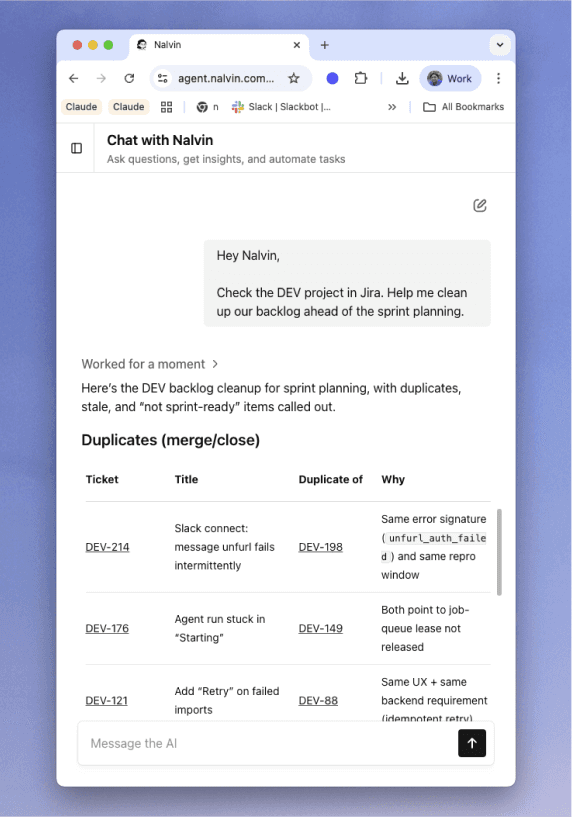
Nalvin helps you keep your backlog clean by spotting duplicates, stale items, and unclear tickets, then proposing specific fixes so prioritization is based on good signal. If you want, Nalvin can also apply changes (merge/close/retitle/tag) after you confirm exactly what to update and where.

Supported Integrations

Templates are flexible by default. Nalvin automatically picks the right integrations based on what you’ve connected.

Asana

ClickUp

Canny

Productboard

Monday

Trello

Shortcut

Linear

Microsoft Teams

Jira

Slack

How to best use this template

Below are a few tips & tricks from the Nalvin team to get the most out of this template.

Start with a clear backlog scope

Point Nalvin at a specific board/project/list so results are actionable. You can level this up by saving the scope as a default so the template runs the same way every time.

Define what “stale” means for your team

Stale can mean “no updates in 30 days” or “blocked for 7 days” depending on your workflow. Setting this threshold helps Nalvin focus on real backlog drag, not low-priority long-tail items.

Use merges conservatively

Duplicate detection is best-effort. Ask Nalvin to propose merge candidates first, then confirm before it merges or closes anything.

Prefer small, high-impact cleanup batches

Backlog cleanup is most effective in batches of 10–20 items. This keeps decisions fast and avoids turning maintenance into a multi-day project.

Add a lightweight taxonomy

You can level this up by standardizing labels like “bug”, “feature”, “needs-triage”, and “blocked”. Cleaner tags make future reporting and prioritization much higher-signal.

Start with a clear backlog scope

Point Nalvin at a specific board/project/list so results are actionable. You can level this up by saving the scope as a default so the template runs the same way every time.

Define what “stale” means for your team

Stale can mean “no updates in 30 days” or “blocked for 7 days” depending on your workflow. Setting this threshold helps Nalvin focus on real backlog drag, not low-priority long-tail items.

Use merges conservatively

Duplicate detection is best-effort. Ask Nalvin to propose merge candidates first, then confirm before it merges or closes anything.

Prefer small, high-impact cleanup batches

Backlog cleanup is most effective in batches of 10–20 items. This keeps decisions fast and avoids turning maintenance into a multi-day project.

Add a lightweight taxonomy

You can level this up by standardizing labels like “bug”, “feature”, “needs-triage”, and “blocked”. Cleaner tags make future reporting and prioritization much higher-signal.